Configure after catalog setup
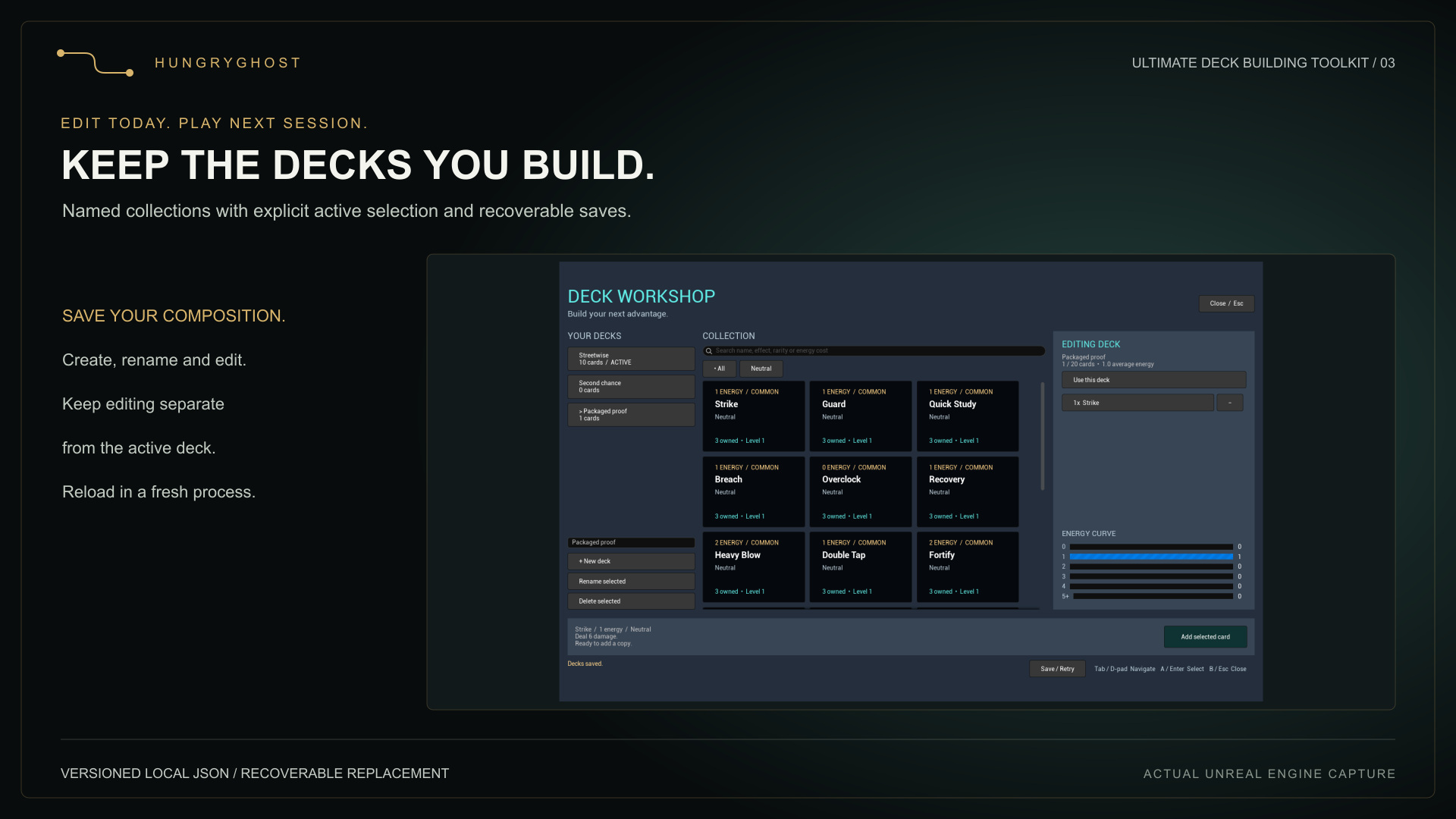
Use UDeckToolkitPersistentWorkshopModel when you want local file persistence. Populate the host-supplied catalog and default decks first, then call ConfigureFile. Retain the model for the life of the workshop. A missing file keeps defaults and permits future saves.
// Includes: DeckToolkitPersistentWorkshop.h and Misc/Paths.h
// Model must also be retained by your host in a UPROPERTY field.
UDeckToolkitPersistentWorkshopModel* Model =
    NewObject<UDeckToolkitPersistentWorkshopModel>(this);
Model->LoadExamples(); // Replace with your production catalog/defaults.
FText Status;
const FString Filename = FPaths::ProjectSavedDir() / TEXT("DeckToolkit/PlayerDecks.json");
const bool bConfigured = Model->ConfigureFile(Filename, Status);
// Show Status. Do not treat false as permission to overwrite the original.
// For programmatic mutations, call Model->Save(Status) explicitly.Schema version 1
The file contains compositions and active selection. It does not save catalog definitions, owned-copy counts, progression, combat state, random-stream state or card-instance upgrades.
{
  "schemaVersion": 1,
  "activeDeckId": "e6d7dd91-27fb-480c-92be-e58fe0ae01ea",
  "decks": [
    {
      "id": "e6d7dd91-27fb-480c-92be-e58fe0ae01ea",
      "name": "Starter",
      "cards": ["strike", "strike", "guard"]
    }
  ]
}The IDs in this example are illustrative: populate matching catalog entries in your host. GUIDs use the standard digits-with-hyphens format. Each deck ID must be valid and unique. If decks exist, activeDeckId must identify one of them. An empty collection may use an empty activeDeckId string.
File limits
| Limit | Value |
|---|---|
| Encoded JSON file | 4 MiB maximum |
| Named decks | 128 maximum |
| Cards in one saved deck | 512 maximum; separate from your gameplay capacity |
| Deck name | Non-blank, at most 48 characters |
| Card ID | Non-empty string, at most 512 characters |
| Schema | Exactly version 1 |
Transactional loading
The complete file is parsed and validated before Decks and ActiveDeck change. Invalid, oversized or future-schema files preserve memory and disable writes. Unknown catalog IDs are deliberately retained so the player can remove or repair them. Syntactically valid compositions can still violate your current ownership or gameplay rules; validate those before use.
Recoverable replacement
Save validates the model, writes a unique temporary sibling, then moves the previous primary file to a .backup sibling while installing the new file. A successful save removes the backup. On failure it attempts to restore the previous primary. ConfigureFile can restore a backup if the primary is missing. This reduces replacement risk but is not a power-loss durability guarantee.
Handle a failure
- Display Status and preserve the primary file and any .backup sibling.
- For a transient write failure, keep the model alive and use Save / Retry; edits remain in memory.
- For a malformed or future-schema load, resolve the file or configure a different valid supported file. Do not silently replace the rejected file with defaults.
- For unresolved backup recovery, restore access and configure the file again before writing.
Use one writer per file. Concurrent processes, cross-device sync and conflict resolution are not implemented. Store saves in a writable per-user location; do not use the installed plugin directory.
Evolve your catalog
Keep stable IDs or perform a host-controlled migration before enabling writes. Do not increase schemaVersion and expect version 0.3.0 to read it. Preserve old player files during migration and test missing definitions, removed cards and changed deck policies against the new catalog.